Apple CarPlay Not Working? Common Problems and How to Fix Them
From a CarPlay screen that won't load to Siri that's gone quiet, here are the most common Apple CarPlay problems and the simple fixes that solve most of them in minutes.
The Cazoo editorial team
Published on 25 August 2026 | 6 mins read

Apple CarPlay first launched in 2014, and it's now fitted to almost every new car on sale. In the US, Apple says CarPlay is available in more than 98% of new cars sold, and it's become just as common a request from UK buyers, whether it's fitted as standard or offered as a factory option.
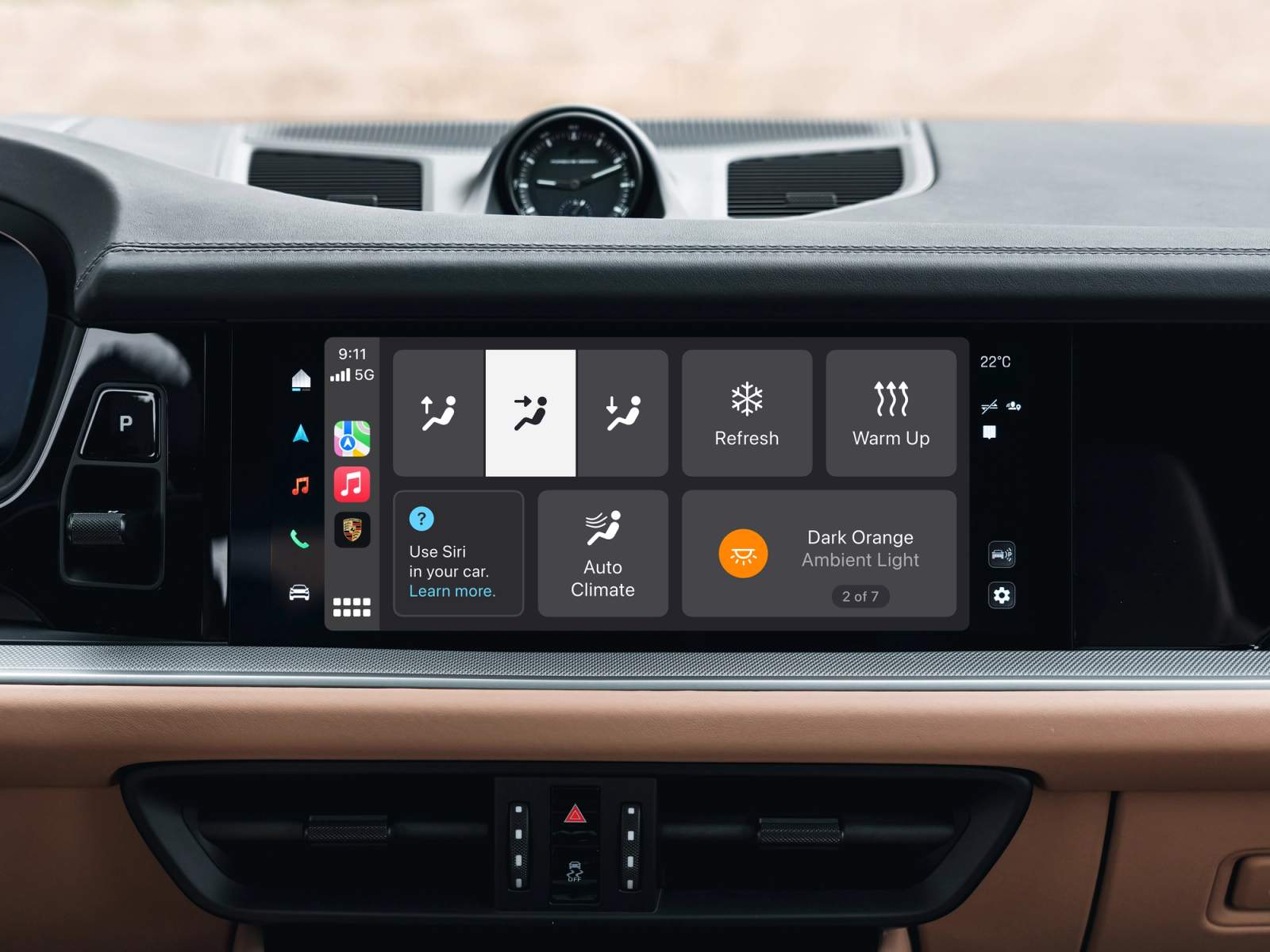
CarPlay turns your car's infotainment screen into an extension of your iPhone, letting you stream music, follow turn-by-turn directions and use apps like WhatsApp and Messages hands-free with Siri, all without taking your eyes off the road for long. It's brilliant when it works, but it isn't faultless, and most drivers run into a glitch, a dropped connection or a screen that won't load at some point. Here's a plain-English guide to how CarPlay actually connects, the most common problems, and the fixes that solve most of them in minutes.
How does Apple CarPlay connect?
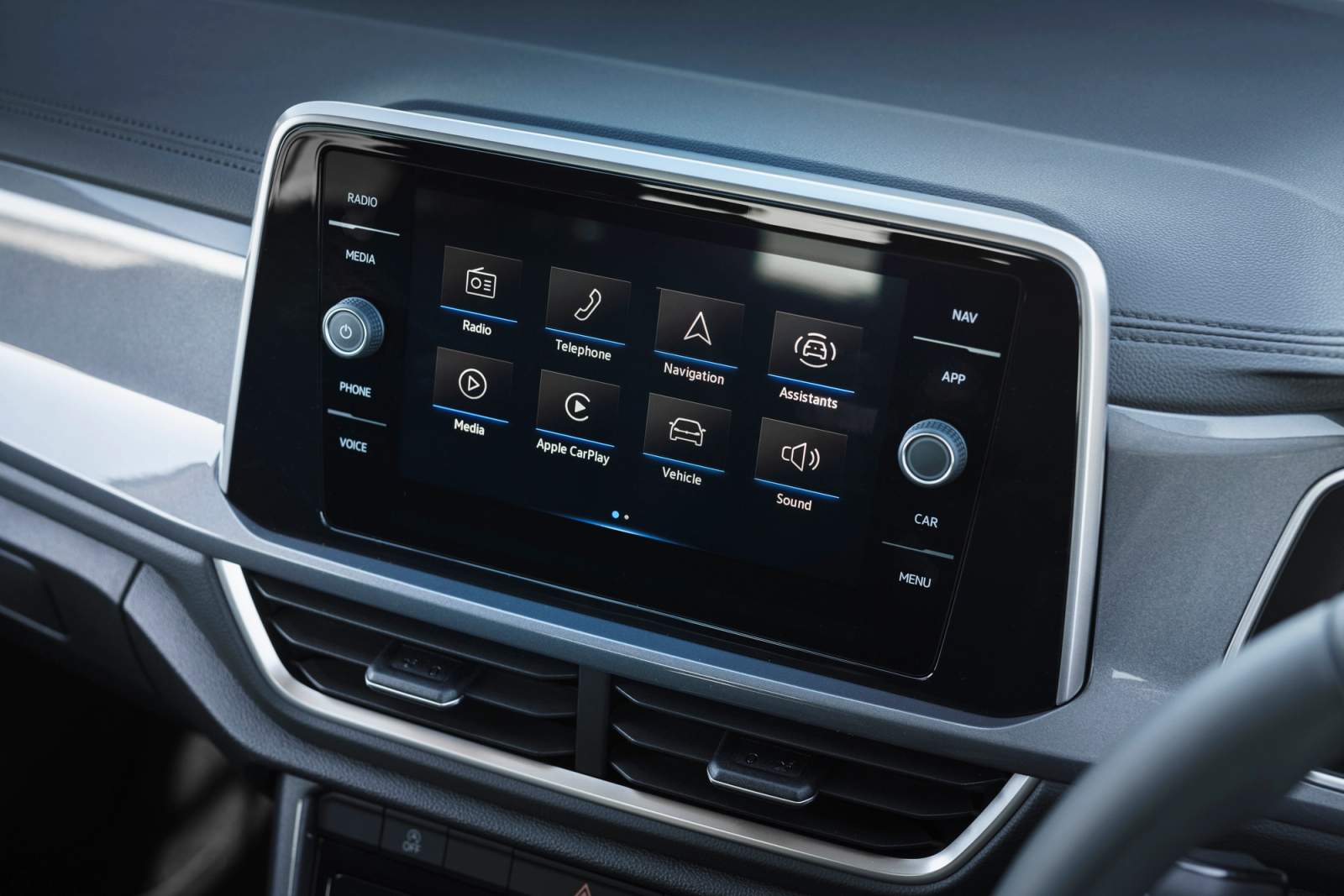
There are two ways to connect CarPlay, depending on your car. Older or entry-level models usually rely on a wired connection, where you plug your iPhone into the car's USB port using a Lightning cable (for iPhone 14 and earlier) or a USB-C cable (for iPhone 15 and later, since Apple switched its whole range over to USB-C). Newer cars increasingly offer wireless CarPlay instead: your iPhone briefly uses Bluetooth to find and pair with the car, then switches to a private Wi-Fi connection between the two to actually run CarPlay. That's separate from your phone's own mobile data or home Wi-Fi, which CarPlay still relies on in the background for things like maps and music streaming. If you're not sure which your car supports, our infotainment system guide runs through CarPlay, Android Auto and the other ways cars let you connect your phone. For Apple's own step-by-step setup instructions, its CarPlay support guide is worth a look too.
What are the most common Apple CarPlay problems?
CarPlay is generally reliable, but a handful of issues crop up again and again. The most common are: the system not loading at all when you start the car, Bluetooth or Wi-Fi connectivity problems, a faulty or incompatible USB cable, Siri not responding to voice commands, CarPlay disconnecting for no obvious reason mid-journey, and the car struggling to find or remember your iPhone.
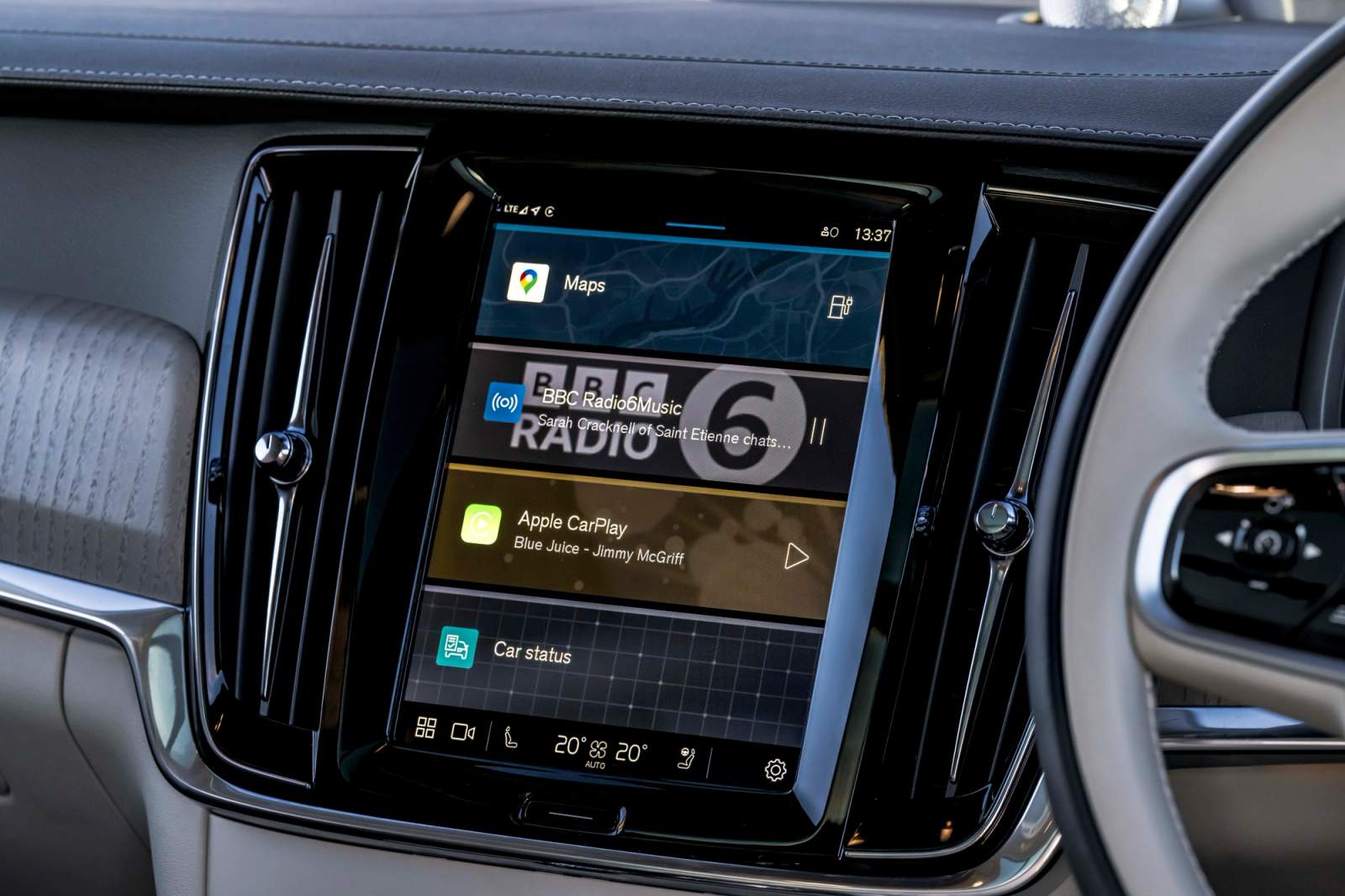
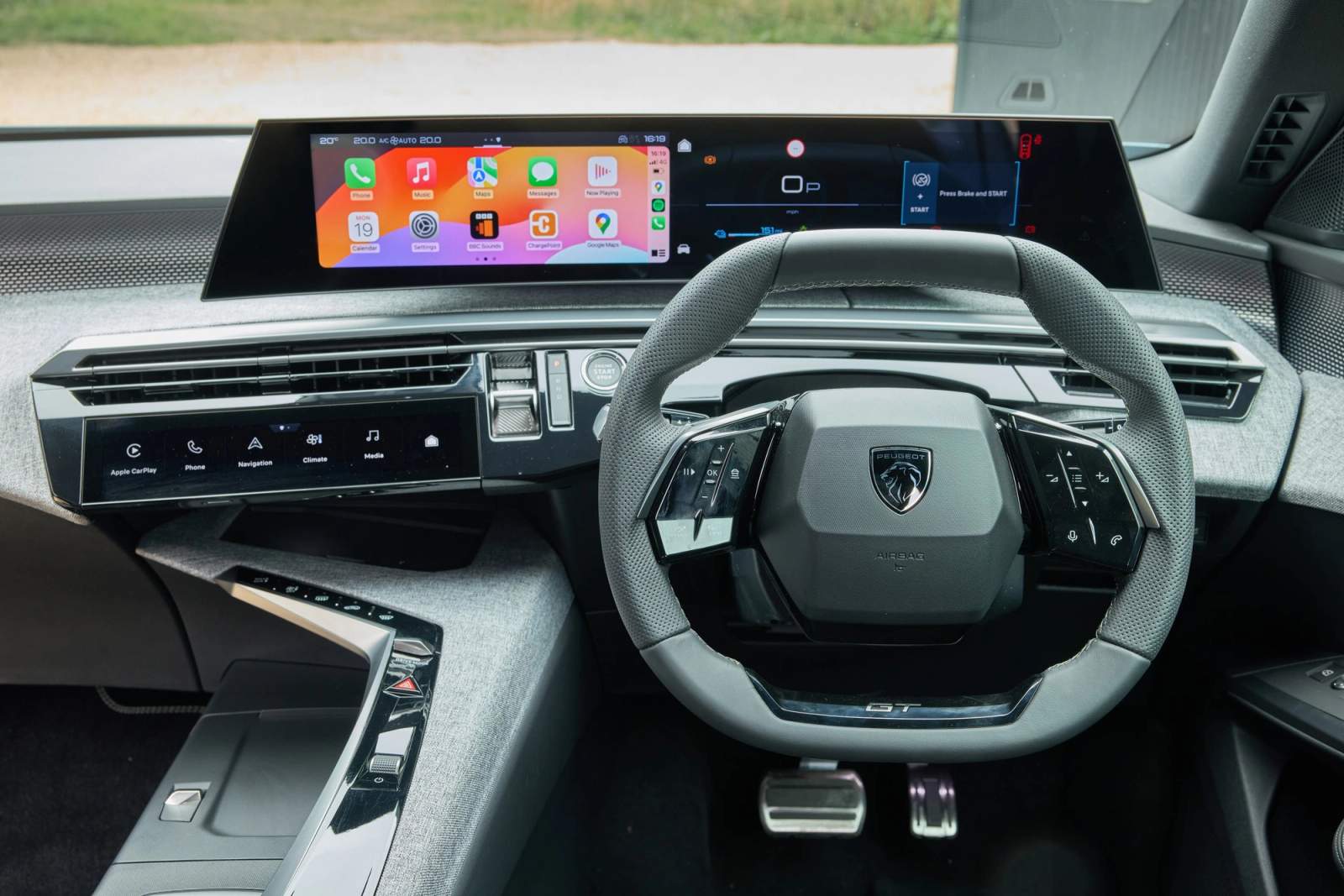
How to fix Apple CarPlay problems
Restart your iPhone
It sounds too simple to work, but as with most software, a lot of CarPlay glitches are solved by turning your phone off and on again. This gives the system a chance to reboot and clear whatever small glitch caused the problem at the point of connection.
For the best results, turn your phone off completely and leave it for around 30 seconds before switching it back on. That gives everything time to shut down properly, so when you reconnect to CarPlay, it's far more likely to connect first time.
Forget and reconnect the device
To connect with CarPlay, your iPhone needs to pair with your car over Bluetooth first, even if you then use it wirelessly or over USB for everything else. That first-time pairing doesn't always work, and can depend on your phone's signal, how strong the car's Bluetooth is, or just a temporary glitch.
If your car won't reconnect, go to Settings, then General, then CarPlay on your iPhone, select your car from the list, and tap 'Forget This Car'. This clears the existing pairing completely, so you can set the connection up again from scratch, which fixes the problem in most cases.
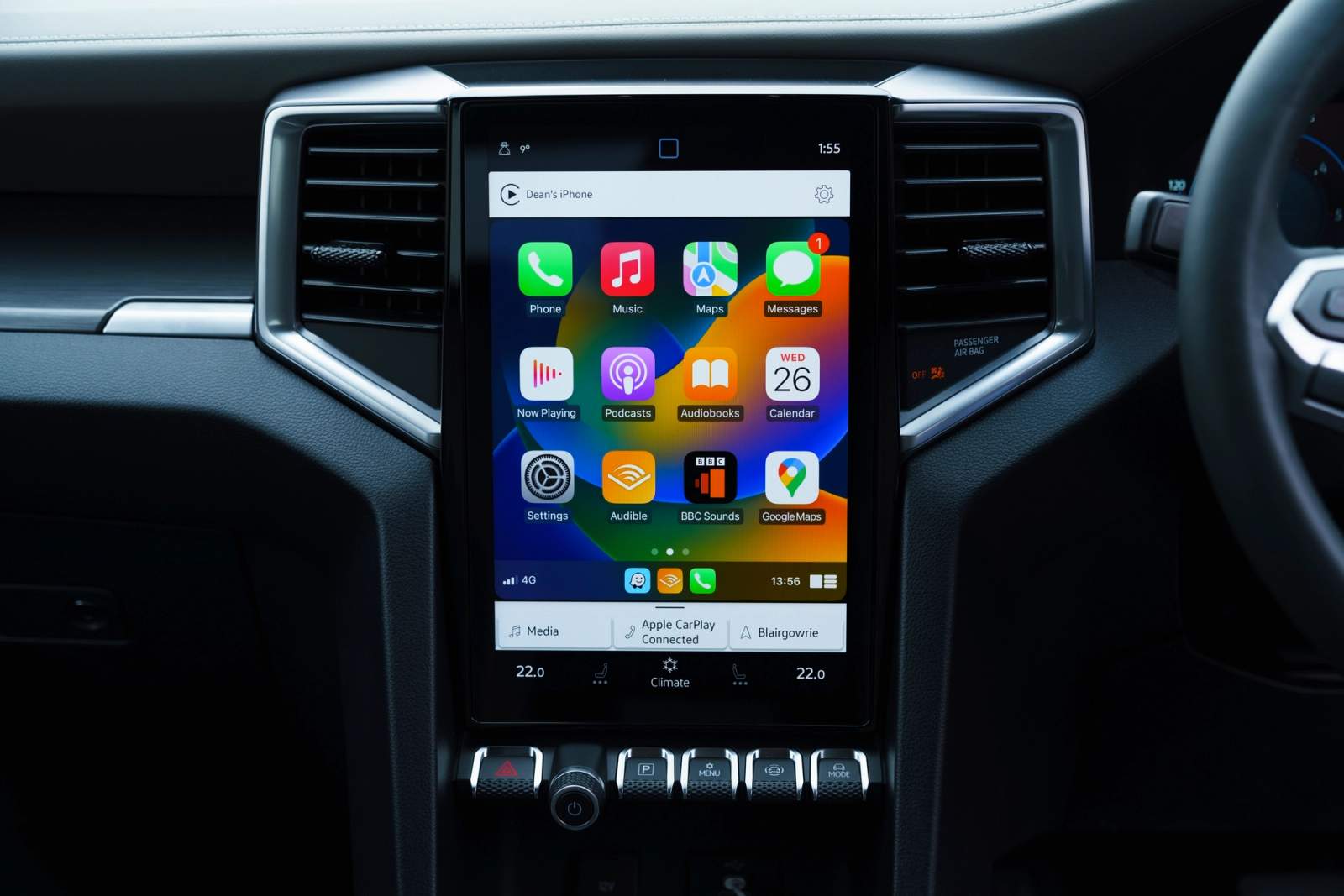
Check the condition and compatibility of your USB cable
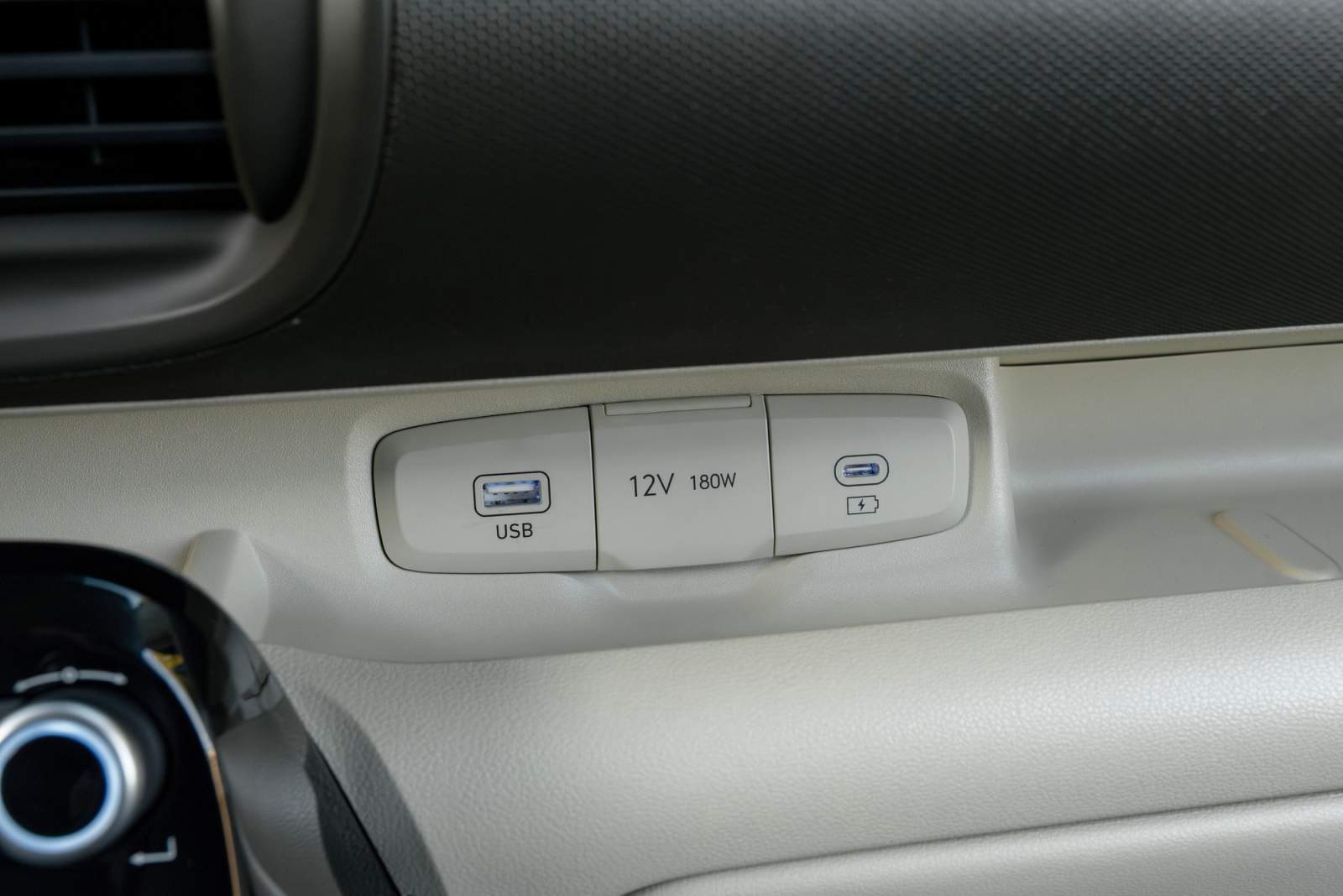
If you're driving an older car, it's unlikely to support wireless CarPlay, so you'll be relying on a USB cable instead. The car's port is usually USB-A or USB-C, but what matters just as much is the connector on the phone end: a Lightning connector for iPhone 14 and earlier, or USB-C for iPhone 15 and later. Using the wrong cable, or a cheap one that isn't properly certified for CarPlay, is a common cause of connection problems.
If you plug your phone in via USB and CarPlay still isn't connecting, check the cable itself for any visible damage, and try a different cable if you have one.
Another good way to check is to try the same cable in another car that has CarPlay. If it works there but not in your car, the fault is more likely to be with your vehicle's USB port or software rather than the cable itself.
Fix Siri not working
CarPlay leans on Siri for a lot of its hands-free features, including reading out and replying to messages in apps like WhatsApp and Messages, so it's especially frustrating when it stops responding.
First, check that Siri is switched on. Go to Settings on your iPhone, then Siri (this may show as 'Apple Intelligence & Siri' depending on your iPhone model and iOS version), and make sure 'Listen for “Hey Siri”', 'Press Side Button for Siri' and 'Allow Siri When Locked' are all turned on.
On cars that connect over USB rather than wirelessly, CarPlay sometimes won't connect at all until Siri is enabled on the phone, so this is worth checking even if your main issue seems to be the connection rather than Siri itself.
Stop Apple CarPlay from disconnecting
One of the most common and frustrating issues is CarPlay disconnecting randomly, with no warning, which is especially annoying if you're relying on a sat-nav app like Google Maps or Waze at the time.
How often this happens varies by car, but one of the first things worth checking is whether your iPhone is running the latest version of iOS. Go to Settings, then General, then Software Update, and install anything that's waiting. Apple regularly ships fixes for CarPlay bugs through these updates, so keeping your phone current is one of the simplest ways to avoid glitches.
Other common causes of random disconnections include your phone overheating on a wireless charging pad, Bluetooth interference from other devices, or a weak Bluetooth or Wi-Fi signal in that part of the car.
What is CarPlay Ultra?
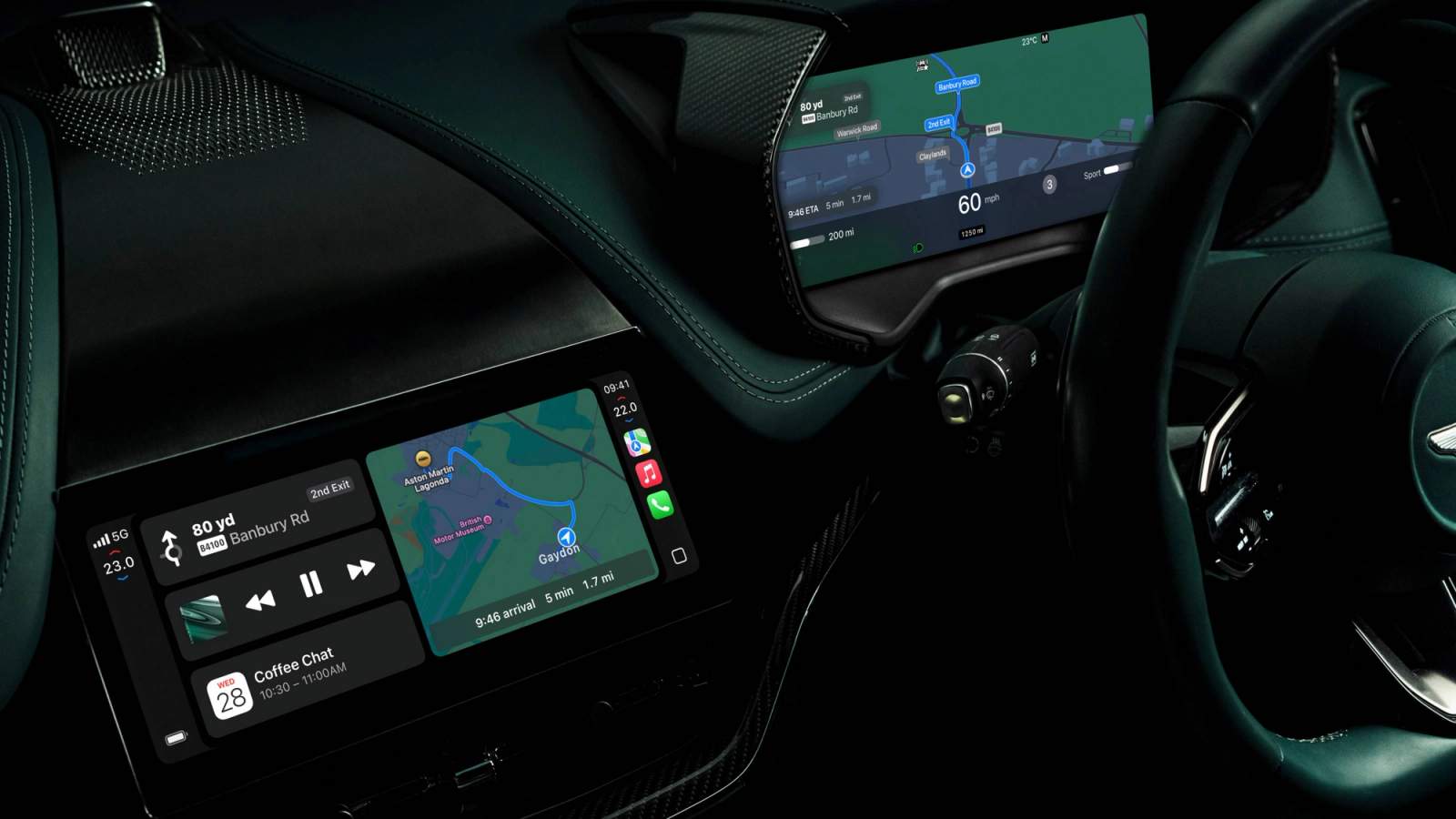
Apple has also started rolling out CarPlay Ultra, a deeper version of CarPlay that takes over the whole instrument cluster, not just the central screen, showing things like speed, fuel level and climate controls in Apple's own interface. It launched exclusively on Aston Martin in 2025, with Hyundai, Kia and Genesis among the brands that have confirmed they're bringing it to future models. It's not something most drivers will come across yet, but it's a sign of where CarPlay is heading.
FAQs
Why has my Apple CarPlay suddenly stopped working?
Usually it's one of a handful of common causes: a temporary software glitch, fixed by restarting your iPhone; an outdated version of iOS; a faulty or incorrect USB cable; or a lost Bluetooth pairing that needs forgetting and reconnecting. Working through the fixes above in order will solve the large majority of cases.
Is Apple CarPlay wired or wireless?
It depends on the car. Some vehicles only support wired CarPlay over USB, others only support wireless, and many newer cars offer both. Check your car's manual or infotainment settings to see which your vehicle supports.
Can I add Apple CarPlay to an older car that doesn't have it?
In many cases, yes. Aftermarket infotainment units that support CarPlay can often be retrofitted to older cars, though it's worth getting this done by a specialist to make sure it's wired in properly and doesn't affect your car's other electronics.
Find your next car with Apple CarPlay on Cazoo
If your current car's infotainment system is more trouble than it's worth, it might be time for an upgrade. You'll find thousands of used cars with Apple CarPlay fitted in our listings, or if you're just starting to look, our guide to buying a used car has more tips on what else to check before you buy.