What Is Car Infotainment? A Complete Guide to CarPlay, Android Auto and More
From Apple CarPlay to voice-activated assistants, here's everything infotainment actually means in a car, and what to look for when you're buying one.
The Cazoo editorial team
Published on 28 August 2026 | 6 mins read
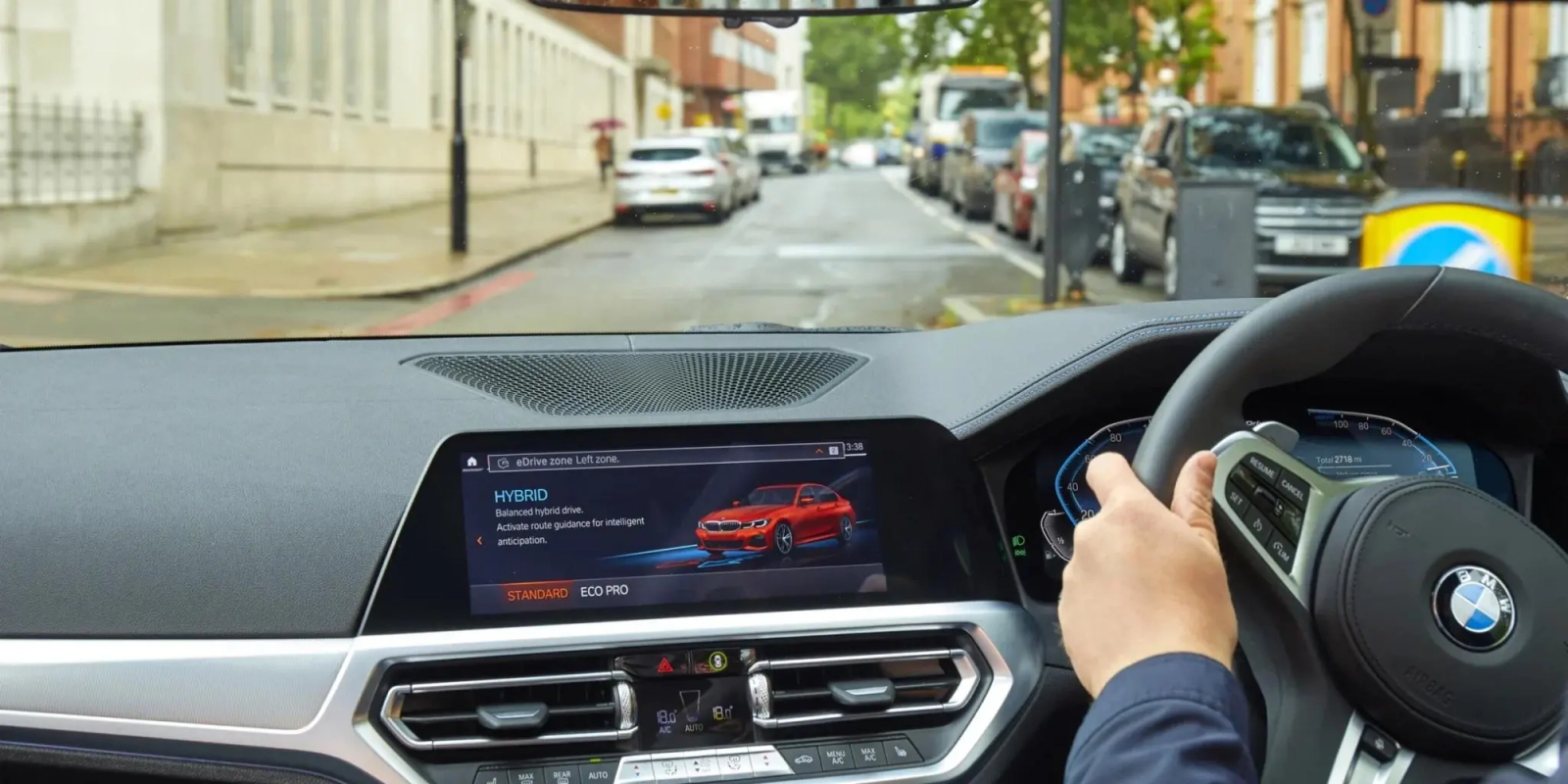
Infotainment systems are integrated multimedia car computers that combine a wide range of functions to improve your overall driving experience. Here's a complete guide to in-car infotainment systems and what to look out for when buying a car.
What does Infotainment mean in a car?
If you're buying a car, you'll likely have come across the term 'infotainment'. Meaning 'information' and 'entertainment', infotainment systems are built-in car computers that combine a wide range of functions – from digital radios to built-in reversing cameras.
Infotainment systems work to deliver entertainment and information in one, and are usually mounted in or on the dashboard in the middle of the car. The capabilities of a car's infotainment system depend on its price and specification, with higher-spec makes and models providing more advanced digital features.

How does an Infotainment System work?
Infotainment systems work in conjunction with other in-vehicle and external systems, and are usually controlled by a touchscreen display, button panel or voice command system.
They connect with other smart automotive technologies like advanced driver-assistance systems (ADAS), vehicle-to-everything (V2X) connectivity solutions, sensors and telematics devices.
Some infotainment systems are more intuitive than others, with many modern cars allowing full smartphone integration in the form of Apple CarPlay or Android Auto, both of which are increasingly available wirelessly as well as via a USB cable. This way, you can directly access a range of apps designed to improve your car's operations and your overall driving experience.
What features are available in a car's infotainment system?
The functions available in a car’s infotainment system depend on the make and model of the car. Here are some of the most common features:
High-resolution touch screen
- Most cars with infotainment systems will include a high-resolution car touch screen displaying on-screen graphics and providing optimal functionality. The screens will be made of LCD (Liquid Crystal Display) or TFT (Thin Film Transistors) and will generally range from 7 to 17 inches long.
Smartphone pairing
- Drivers can connect their smartphones to their automotive systems via Bluetooth connectivity. This allows you to access your phone’s capabilities while driving. For example, you’ll be able to manage incoming and outgoing calls or listen to your favourite tracks via your audio streaming preferred app.
Analog and digital tuners for multi-standard radio reception
- Infotainment systems feature AM and FM or DAB/DAB+ digital radio systems, which allow you to easily scan to find available radio stations.
Multimedia support
- As well as Bluetooth, car infotainment systems can connect to HDMI cables and USBs to deliver content to car display screens, speakers and headphones. This includes picture and video display and a wide range of audio formats.
Advanced vehicular functions
- Many car models feature advanced car function capabilities as part of their infotainment system packages. This can include things like advanced parking assistance systems with rearview cameras and seatback displays, which allow passengers in the rear to enjoy audio and video entertainment from the back seat.
Android Auto and Apple CarPlay compatibility
- Using smartphone pairing, Android Auto and Apple CarPlay connect to the car’s infotainment system. They work by connecting with Android-based smartphones or iPhones so that you can access Google and Apple-supported iOS apps on the road.
Control elements
Infotainment systems are controlled via a wide range of control elements, which connect the system with the driver and passengers. These include car touch screen displays, voice commands, button panels and more.
Support vehicle functions
Car infotainment systems are becoming increasingly geared to improving the car’s safety and support features. Many systems include functions like parking sensors and assistance, climate control and advanced settings menus, which allow you to do things like dim the ambient lighting from the touchscreen when driving in the dark.
What is Apple CarPlay?
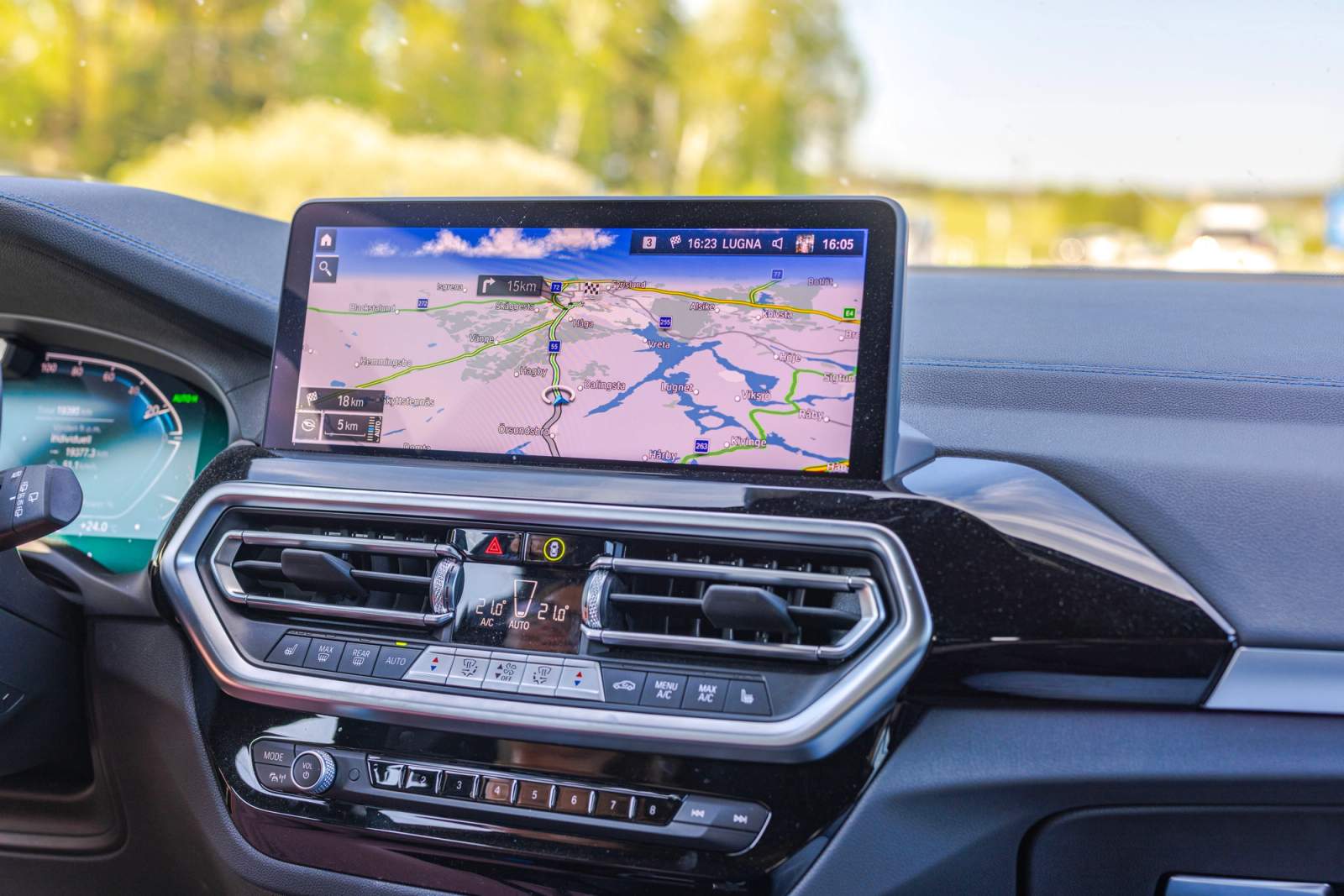
Apple CarPlay is a feature that lets you safely use and access your iPhone in the car. Depending on your car, it connects either via a USB cable, or wirelessly, in which case your iPhone briefly uses Bluetooth to pair with the car before switching to a private Wi-Fi connection to actually run CarPlay.
Once connected, Apple CarPlay presents a home screen display similar to that of an iPhone on your car's built-in display. With Apple CarPlay, you can access a selection of apps supported for in-car use, including Messages, Calendar, Audiobooks and Podcasts.
You can also use Apple CarPlay to make and receive calls and listen to voicemail. By connecting to Apple Music, you can search for your favourite songs, see what's playing, and access a huge range of live radio stations through Apple Music's radio integration.
Apple CarPlay can be controlled via knobs and controls, a touchscreen panel (if your car is equipped with one), and Siri voice control. The aim is to make your drive easier, safer and more enjoyable.
Apple Car Key, which lets you unlock and start your car using your iPhone, launched in 2020 with BMW and is now supported by a growing list of manufacturers, including Kia, Hyundai, Genesis, Audi and Lexus.
If your CarPlay isn't connecting properly, our CarPlay troubleshooting guide covers the most common problems and how to fix them.
What is Android Auto?
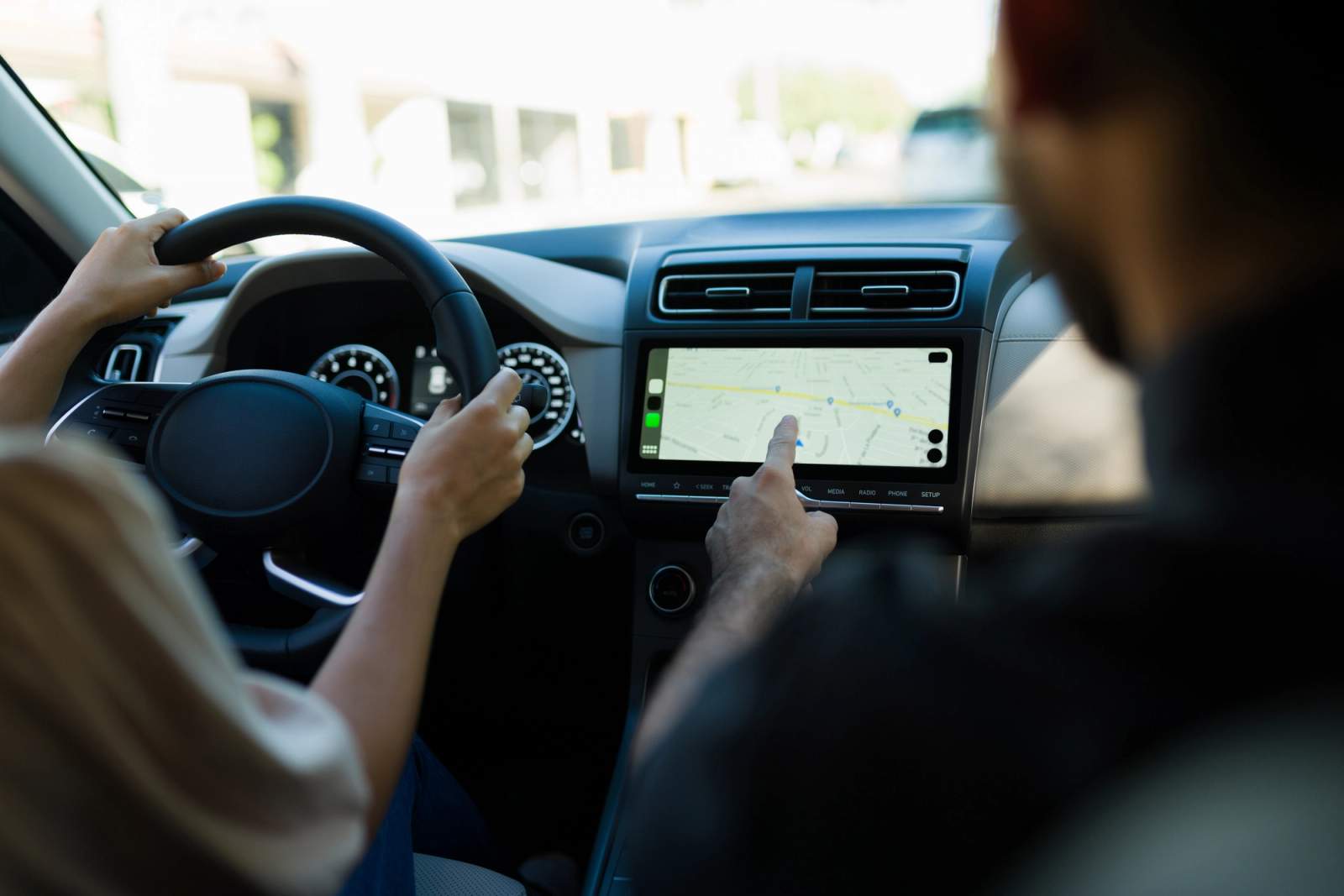
Android Auto is similar to Apple CarPlay, except it works with Android phones instead of iPhones. As of late 2025, Google requires Android 9.0 or later to use Android Auto, up from the Android 5.0 'Lollipop' minimum when the platform first launched, and most modern Android phones from brands like Samsung, Google and OnePlus support it, either via USB or, on compatible cars, wirelessly.
Once Android Auto has connected to your car's infotainment system, it presents your Android apps onscreen so that you can make calls, play music, find directions and check the weather safely while driving. There's a wide range of apps available, including everything from Spotify and Skype to Amazon Music and Audiobooks.
Like Apple CarPlay, Android Auto can be controlled by voice commands, so you can keep your hands on the wheel and your eyes on the road while driving.
What is MirrorLink?
MirrorLink was once a third smartphone connectivity option alongside Apple CarPlay and Android Auto, working over Bluetooth or a USB cable to mirror your phone's screen onto your car's display. However, the Car Connectivity Consortium, the body behind MirrorLink, wound down operations in 2023 and stopped certifying new devices and vehicles, so it's now largely obsolete.
If you're buying a used car with MirrorLink listed as a feature, don't rely on it working reliably, or at all, and don't expect it in anything built more recently. Most manufacturers that once supported MirrorLink, including Peugeot, Skoda and Citroën, have moved over to Apple CarPlay and Android Auto instead, which is worth bearing in mind if smartphone connectivity is a priority when choosing your next car.
Apple CarPlay and Android Auto are built to let you access information and entertainment safely and responsibly, but they can still be a distraction. Keep your eyes on the road at all times while driving, and if a call can wait until you've finished your journey, let it. It's also worth remembering that watching videos or browsing the internet while driving is illegal.
Infotainment Screens
The size, style and quality of infotainment screens vary by car make and model. If you want your driving experience to be as easy, safe and comfortable as possible, it's worth considering a car with a larger infotainment screen.
A bigger screen makes the whole system easier to see and navigate. App buttons appear larger, and the touchscreen won't be as fiddly to use as it can be on smaller displays.
When it comes to picture quality, more expensive car models generally provide higher definition and clarity, and they're often larger too. The outgoing Tesla Model S, for example, came with one of the best infotainment systems around, featuring a 17-inch, landscape-orientation touchscreen with a 2200x1300 resolution display, a switch from the tall, portrait-style screen fitted to earlier versions of the car.
Cars at the cheaper end of the scale won't be as impressive. When you're relying on functions like a reversing camera display, picture size and quality can make a real difference.
Controlling infotainment screens
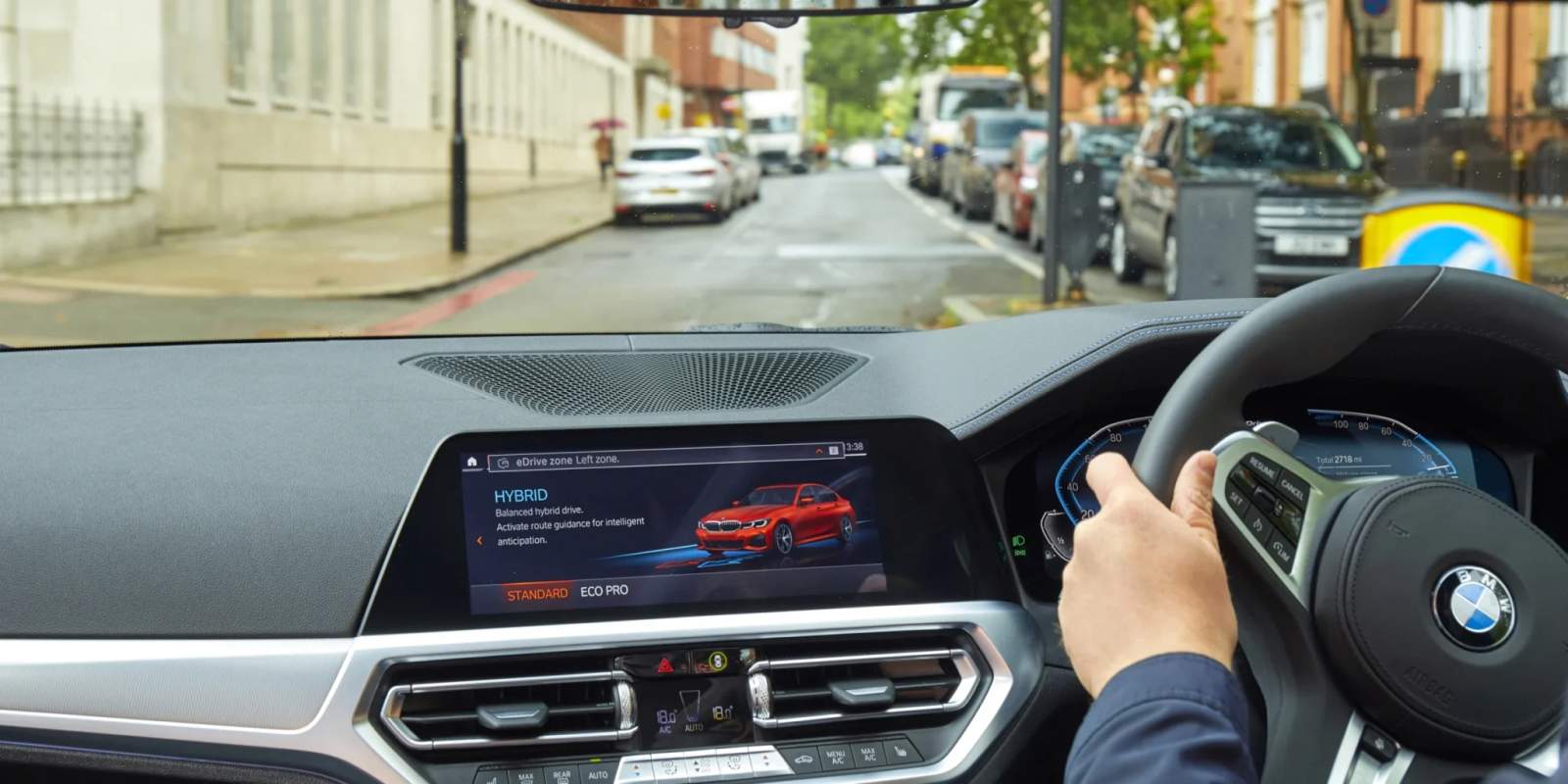
Infotainment screens can be controlled by touchscreen displays, voice commands or traditional button panels, often positioned between the two front seats or on the steering wheel.
When buying your car, it's worth thinking about how you'd like to communicate with your infotainment system, as the quality of the experience can differ massively depending on the car.
Voice activation systems are becoming increasingly popular for in-car infotainment – namely because they provide a safer, hassle-free way to access functions without taking your hands off the wheel or your eyes off the road.
Luxury cars like those fitted with Mercedes' MBUX system feature sophisticated voice activation that wakes up as soon as you say 'Hey Mercedes', and Mercedes has recently added a generative-AI-powered virtual assistant to newer models for more natural, conversational responses. Meanwhile, some cheaper models can only understand very basic commands, and still require button prompting.
Since voice activation isn't available as standard on all cars with infotainment systems, it's worth considering the safety and ease of what's on offer. The best infotainment systems make it easy to connect with them, with a logical layout that saves you from faffing around looking for buttons while driving.
Keep an eye out for cars with a 'home' button too – this helps you jump easily between menus and access functions with the minimum number of button presses.
FAQs
What's the difference between Apple CarPlay and Android Auto?
They work in much the same way, but CarPlay is built for iPhones and Android Auto for Android phones, so which one you can use depends on your phone rather than any real difference in what they offer.
Is MirrorLink still available?
Not really. The Car Connectivity Consortium wound down MirrorLink operations in 2023, and most manufacturers have moved to Apple CarPlay and Android Auto instead, so it's not something to rely on in a used car even if it's listed as a feature.
Do I need a car with a big infotainment screen?
Not necessarily, but a larger, higher-resolution screen generally makes features like navigation and reversing cameras easier to see and use, which is worth factoring in if those matter to you.
Find your next car with Cazoo
Whatever kind of infotainment system matters most to you, you'll find plenty of choice on Cazoo. Browse thousands of used cars with Apple CarPlay, Android Auto and the latest touchscreen tech in our listings, or read our How To Buy A Used Car guide for more tips on what else to check before you buy.